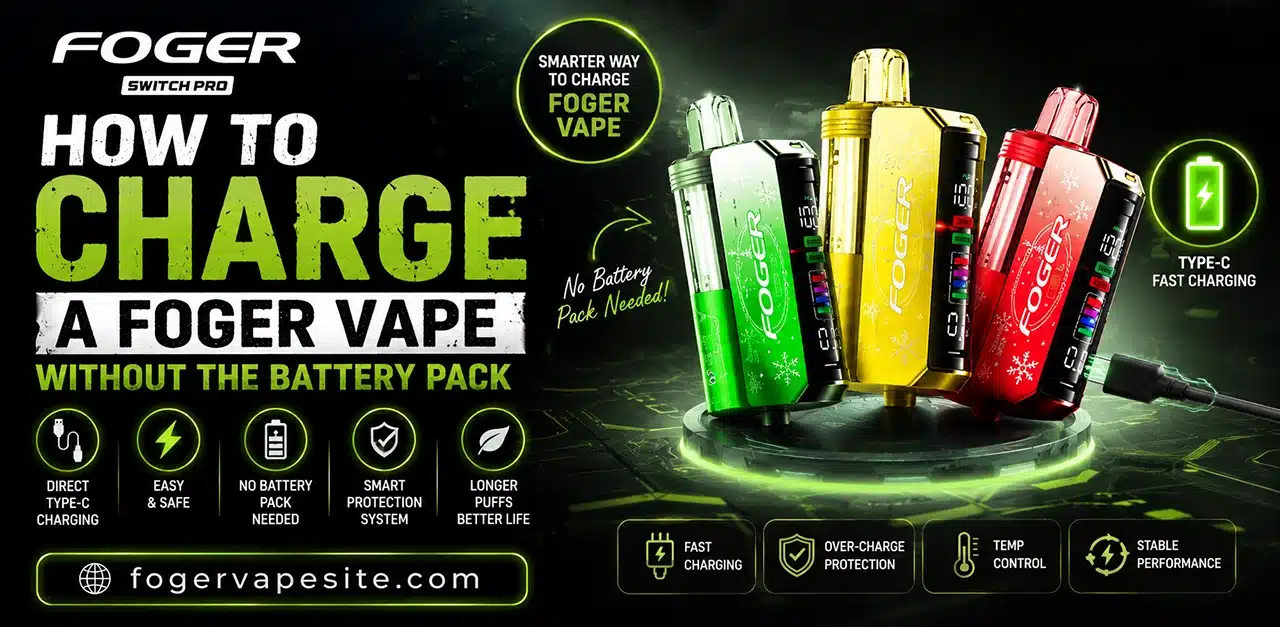
Yes, you can charge a Foger Vape without using its battery pack. The pack is simply a handy accessory – the device charges using its built-in USB-C or micro-USB port. Just grab a compatible cable and a low-output power source, such as a wall adapter or your laptop’s USB port.
Foger Vape devices are popular for their small, stylish design and durable battery life, but like all batteries, they will eventually need to be recharged. Sometimes, people depend on the battery pack or charging dock that comes with their device, but there are occasions when it gets lost, broken, or isn’t around at all. The great news is you can still charge your Foger Vape safely without needing a battery pack, as long as you take the right precautions.
This guide shows you how to do that step by step, what tools you’ll need, safety tips to keep your device safe, and common mistakes to watch out for as you go.
Understanding How Foger Vape Charges
Most Foger Vape devices, similar to many modern vape pens and pod systems, come with a rechargeable battery that you can charge using a USB or USB-C port that’s built right into the device. The “battery pack” that comes with some kits is usually just a charging case or an external power bank meant to make things easier, not something you have to use to charge your device.
This means that in many situations, you can charge your device without needing the official battery pack. All you really need is a compatible cable and a safe power source, both of which are easy to find without having to buy a replacement pack.
What You’ll Need to Charge Foger Vape Without a Battery Pack
- A USB-C or micro-USB cable (depending on your Foger Vape model)
- A safe power source: a wall adapter, laptop USB port, or power bank
- A clean, dry, flat surface to charge on
- Optionally, a multimeter, if you want to check voltage output before charging
Step-by-Step: How to Charge Foger Vape Without a Battery Pack
1. Identify the charging port: Check your device for its charging port. Most newer models use USB-C, though some older versions may use micro-USB. This is usually located at the bottom or side of the device, often covered by a small rubber flap or exposed as a small port.
2. Use a compatible cable: Plug a compatible charging cable directly into the device’s port. Avoid using cables that are frayed, damaged, or don’t fit snugly, since loose connections can cause overheating or inconsistent charging.
3. Connect to a safe power source: Instead of a dedicated battery pack, connect the other end of the cable to a wall adapter (5V/1A is typically safest for small vape batteries), a laptop or computer USB port, or a portable power bank. Avoid high-output fast chargers meant for phones or tablets, since these can deliver more voltage or current than a small vape battery is designed to handle, potentially leading to overheating or reduced battery lifespan.
4. Monitor the LED indicator: Most Foger Vape devices have an LED light that shows charging status, often turning red or a solid color while charging, then switching to green or turning off once fully charged. Keep an eye on this so you know exactly when to disconnect.
5. Charge on a safe surface: Always charge your device on a flat, non-flammable surface, away from bedding, curtains, or other materials that could pose a fire risk if something goes wrong. Avoid charging under a pillow, inside a bag, or in direct sunlight.
6. Disconnect once fully charged: Once the LED indicator shows a full charge, disconnect the cable. Leaving small lithium-ion batteries plugged in for extended periods after reaching full charge can degrade battery health over time, even with built-in safety circuits.
Safety Tips When Charging Without a Battery Pack
- Never use damaged cables or ports: A frayed cable or bent port can cause short circuits.
- Avoid extreme temperatures: Don’t charge in very hot or very cold environments, as this affects both performance and safety.
- Don’t leave it unattended for long periods, especially overnight, if you’re using a non-standard cable or power source.
- Use low-output power sources: Stick to standard USB ports (5V) rather than high-wattage fast chargers.
- Stop immediately if you notice swelling, unusual heat, or a burning smell, and discontinue use of the device.
Common Mistakes to Avoid
- Using incompatible cables: Not all USB-C or micro-USB cables are built the same; poor-quality cables can lead to slow or unsafe charging.
- Charging near water or moisture: Bathrooms or kitchens with high humidity aren’t ideal charging spots.
- Ignoring the LED indicator: Overcharging by leaving the device plugged in long after it’s full can shorten battery lifespan.
- Using high-power fast chargers: These are typically designed for phones, not small vape batteries, and can cause overheating.
- Charging a physically damaged device: If the device has visible damage, cracks, or swelling, avoid charging it altogether and consider replacement.
Can You Damage Foger Vape by Charging It Without the Battery Pack?
Charging your Foger Vape without the official battery pack is usually safe, as long as you use a compatible cable and a low-output power source, like a regular wall adapter or a laptop USB port. The main charging takes place through the device’s built-in port. The battery pack is mainly a handy extra, not something you need for safety. The real dangers come from using damaged cables, mismatched fast chargers, or unsafe charging spots, rather than from skipping the battery pack itself.
Conclusion
If you lose or damage your Foger Vape battery pack, don’t worry! You still have options to recharge your device. To charge your Foger Vape safely without needing a battery pack each time, just use a compatible cable, a low-output power source, and keep in mind some basic charging tips. Just keep an eye on the charging process, steer clear of unreliable power sources, and unplug the device when it’s fully charged to help your battery stay healthy over time.
FAQs
Can I charge my Foger Vape without the original battery pack?
Yes, in most Foger Vape models, the battery pack is simply a charging case or accessory for convenience – it’s not required for charging. The device charges through its built-in USB or USB-C port, so any compatible cable and safe power source will work fine.
What cable do I need to charge a Foger Vape without a battery pack?
Most newer models use a USB-C cable, while some older versions may use micro-USB. Check the port on your device to confirm which one you need, and always use a cable that fits snugly and isn’t frayed or damaged.
Is it safe to charge Foger Vape using a phone charger or laptop?
Yes, as long as the power source has a low output, ideally a standard 5V/1A wall adapter or a laptop’s USB port. Avoid high-wattage fast chargers designed for phones and tablets.
How do I know when my Foger Vape is fully charged without a battery pack?
Most devices have a built-in LED indicator that shows charging status, typically staying lit (often red) while charging and turning green or switching off once the battery is full.
Can charging Foger Vape without a battery pack damage the device?
No, not if you follow basic precautions. The real risks come from damaged cables, incompatible fast chargers, or unsafe charging locations, not from skipping the battery pack itself.
Where is the charging port located on a Foger Vape?
Usually at the bottom or side of the device, often covered by a small rubber flap or visible as an exposed port. Placement can vary slightly between models.
What should I avoid when charging Foger Vape without a battery pack?
Avoid damaged or frayed cables, charging in humid areas, using high-power fast chargers meant for phones, and leaving the device charging unattended for long periods.
Is it normal for a Foger Vape to get warm while charging?
A slight warmth during charging is normal, especially with longer sessions. If the device becomes unusually hot, swells, or emits a burning smell, stop charging immediately.